
Team Members
View, search, and manage organization members.
Users
View and manage all organization members:
| Column | Description |
|---|---|
| Name | Member's full name |
| Email address | |
| Role | Assigned organization role |
| Status | Active / Pending |
| Joined | When they joined the organization |
Actions available:
- Search by name or email
- Filter by role or status
- Edit role - Change a member's role
- Remove - Remove from the organization
- Download - Export member data as JSON
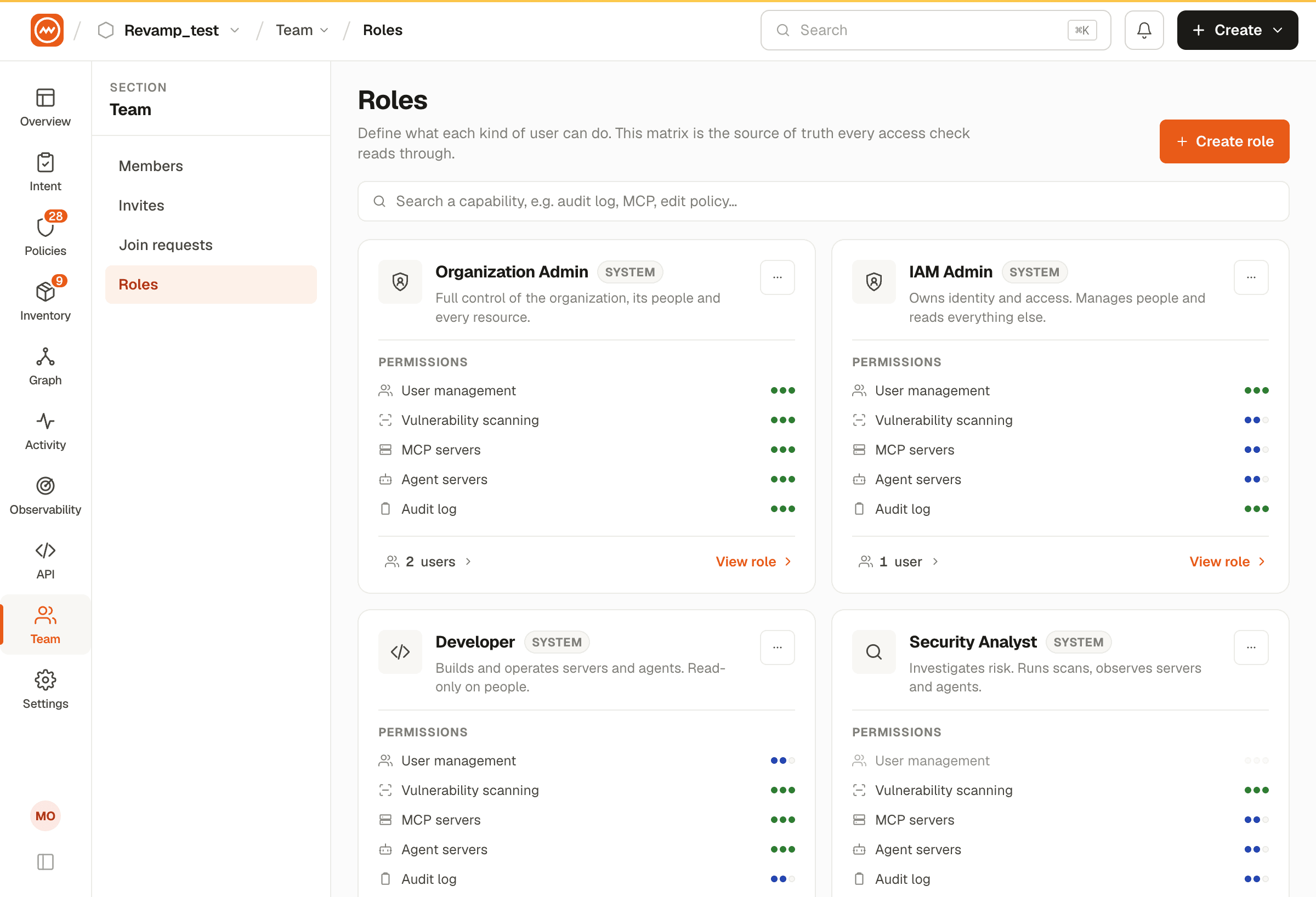
Roles
View all available organization roles:
| Role | Key Capabilities |
|---|---|
| Organization Admin | Full management - members, resources, policies, settings |
| IAM Admin | Identity management - members, roles, OAuth clients |
| Developer | Resource management - MCP servers, agents, proxy, monitoring |
| Analyst | Security operations - scans, vulnerabilities, reports |
| Viewer | Read-only - dashboards and reports |
Permissions
A detailed access matrix showing exactly which permissions each role grants. This helps administrators understand the scope of each role before assigning it.