
Product Preferences
Enable or disable optional ArmorIQ products in your sidebar - OPA Engine, ArmorClaw, ArmorHealth, and ArmorPay.
Overview
Product Preferences lets you control which optional products appear in your sidebar navigation. Navigate to Settings → Product Preferences or go to /dashboard/settings/products.
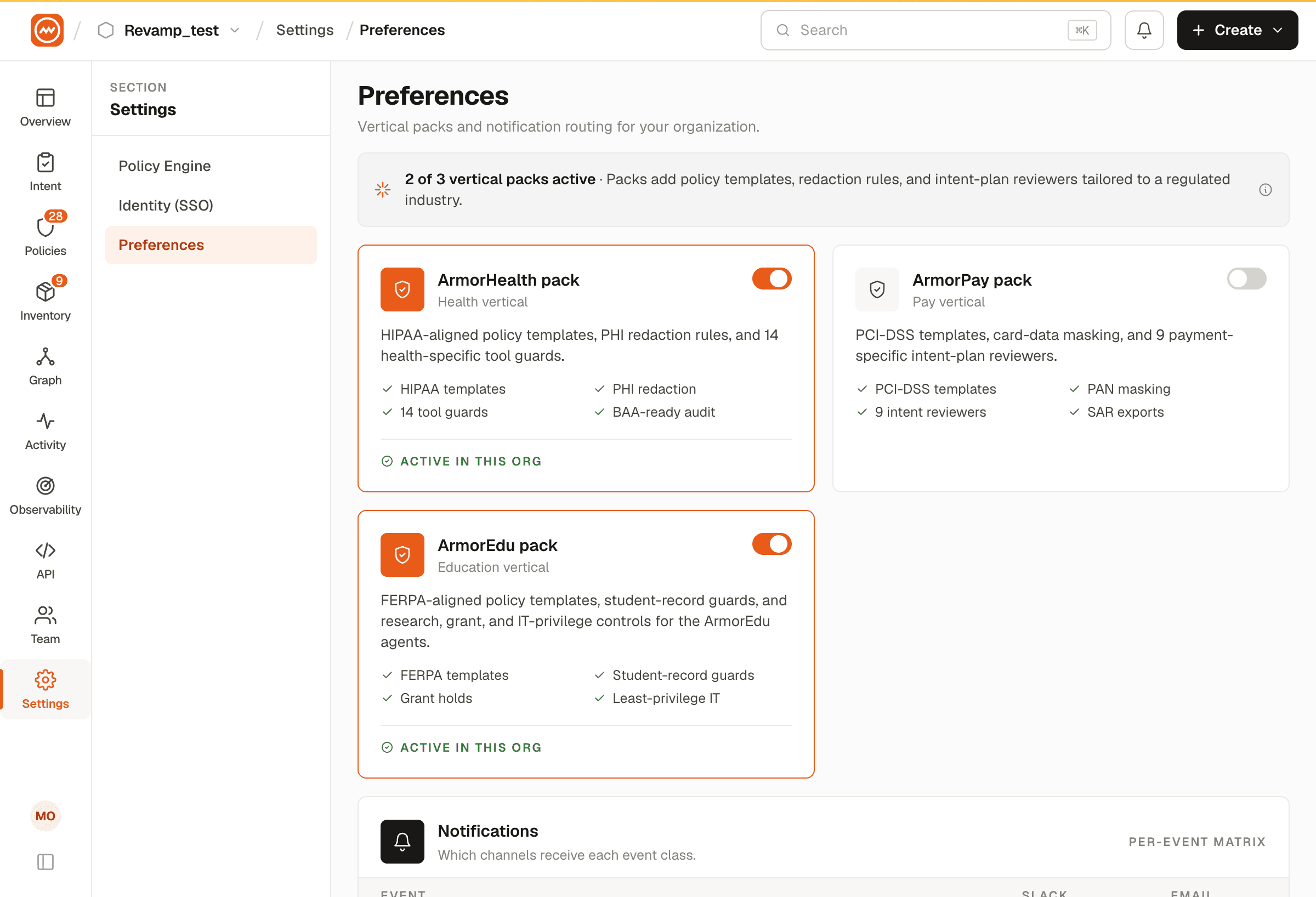
Available Products
| Product | Icon | Description |
|---|---|---|
| OPA Engine | Activity | Enforce fine-grained, context-aware access policies with Open Policy Agent integration |
| ArmorClaw | Puzzle | Detect and remediate vulnerabilities in ArmorClaw installations and agent skills |
| ArmorHealth | HeartPulse | Author and enforce health-domain compliance policies for insurance AI agents |
| ArmorPay | FileCheck | Define and automate payment compliance policies for financial AI agents |
How It Works
Each product is displayed as a card with a toggle:
- Enabled - The card border turns orange, the icon badge is highlighted, and status shows "In sidebar". The product's navigation items appear in the sidebar.
- Disabled - The card is gray, status shows "Hidden". The product's navigation items are hidden from the sidebar.
Click the circular toggle on any product card to enable or disable it. Changes take effect immediately - the sidebar updates in real time.
Header
The page header shows the count of currently active products (e.g., "2 of 4 active").
Product preferences are saved per-user. Enabling a product only adds it to your own sidebar - it does not affect other team members.