
Organizations
Create organizations, invite team members, manage roles and permissions, and handle join requests.
Organizations are the core multi-tenant unit in ArmorIQ. All resources - MCP servers, agents, policies, API keys - are scoped to an organization. Every user must belong to at least one organization to access the dashboard.
Personal organizations
You don't have to create or join an organization before you can use ArmorIQ. Every account automatically gets a personal workspace organization - named after you (for example, "Jane Doe's Workspace"), with you as org_admin - the first time you verify your email, sign in with an OAuth provider, or complete the CLI device-code flow. If you already belong to an organization, this is a no-op; it only ever creates one the first time it finds you have none.
Personal-org creation runs in the background during sign-up and OAuth sign-in and does not block or fail your login if it errors - you can always create or join an organization manually afterward from the Organizations page.
This means a brand-new account can register an MCP server, add an agent, or generate an API key immediately, scoped to its personal organization, without any setup step. You can still create additional organizations or join a team's existing one at any time - see Create & Join.
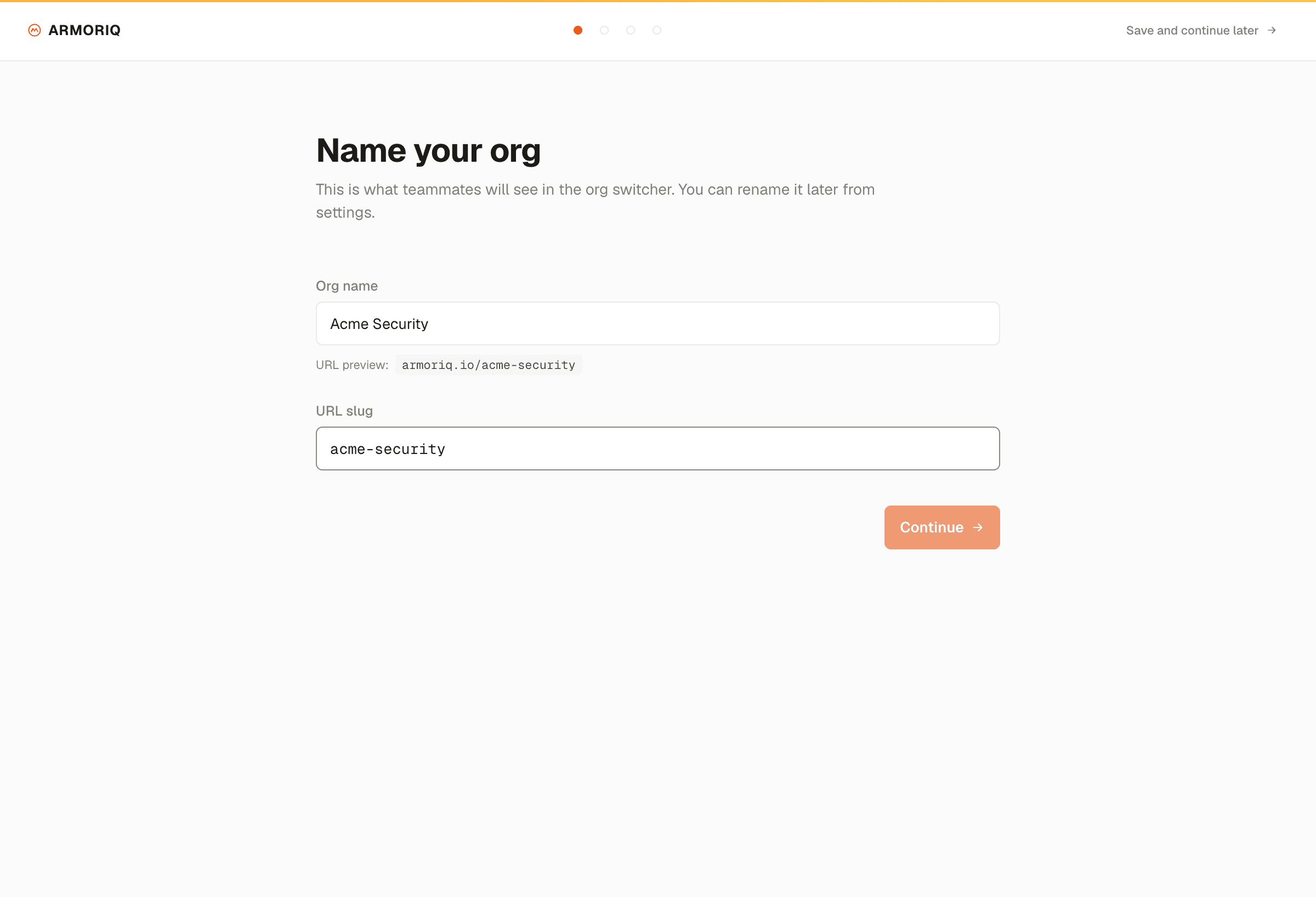
Each organization card displays:
- Organization name and domain
- Industry vertical
- Member count and your role
- Number of MCP servers and agents registered
Topics
- Create & Join: Create a new organization, join via search, accept invitations, and switch orgs.
- Roles & Quotas: Understand the five built-in roles and resource limits.