
Invitations & Requests
Invite members and manage join requests.
Invitations
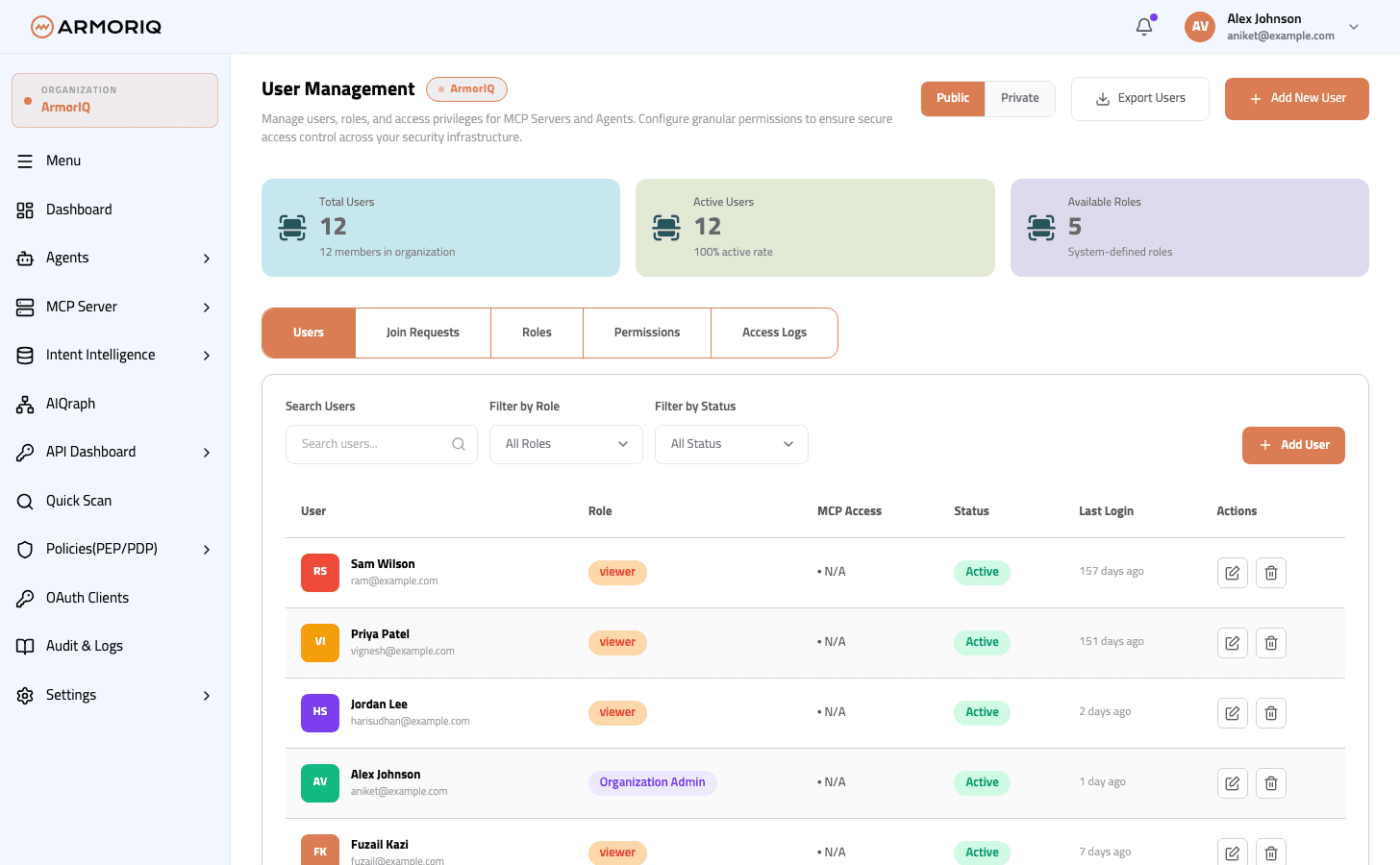
Send email invitations to new team members:
- Click Invite Member
- Enter the email address
- Select a role to assign
- Click Send Invitation
The invitee receives an email with a link to accept the invitation.
Invited users who don't have an ArmorIQ account will be prompted to create one first. The invitation link is preserved and applied after account creation.
Join Requests
Manage incoming join requests from users who found your organization via search:
- View the requester's name, email, and request date
- Approve - Grant them access to the organization
- Reject - Deny the request
Team Quota
The default team size limit is 5 members. The invite button is disabled when the limit is reached.
Contact ArmorIQ support to request an increase in team size or other resource quotas.