
Scan Results
Vulnerability reports, severity breakdown, and persistence.
Scan Report
After the scan completes, you're redirected to the report page.
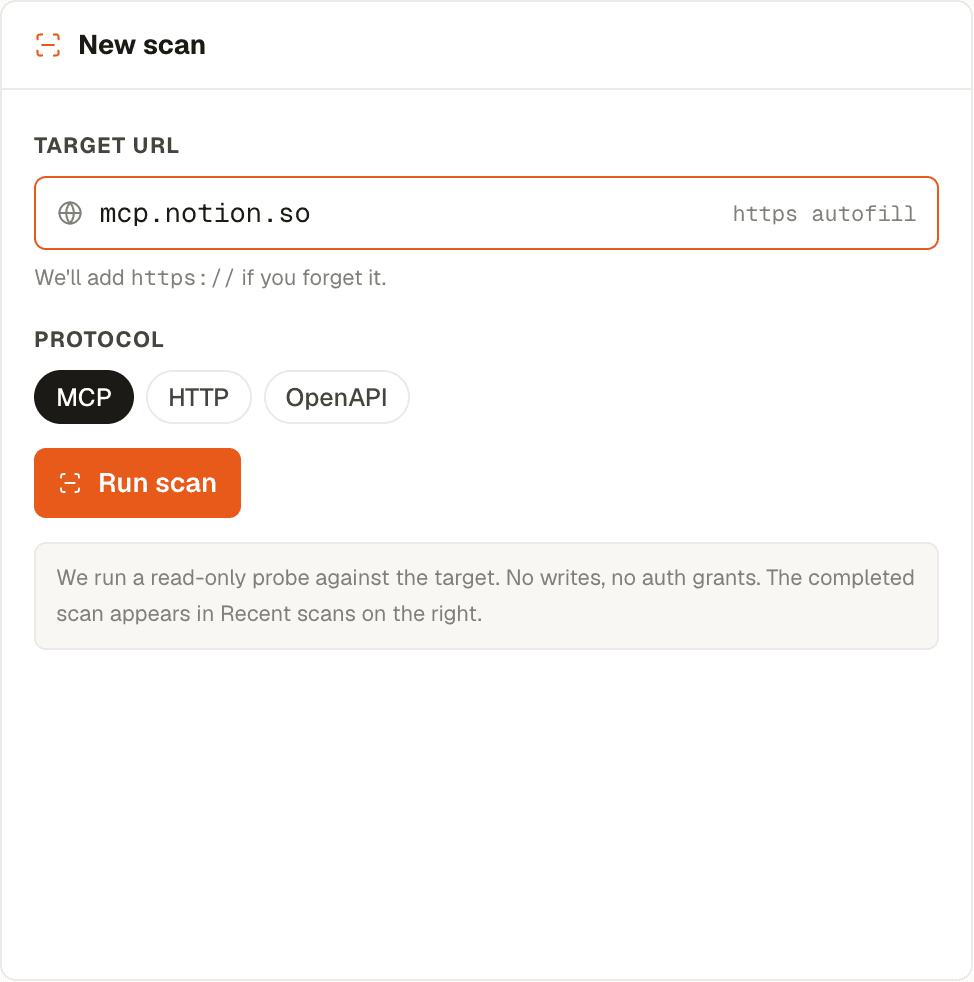
The report includes:
Vulnerability Summary
- Total vulnerabilities found
- Breakdown by severity: Critical, High, Medium, Low
- Overall severity score
Vulnerability Details
Each vulnerability shows:
- Title and description
- Severity level
- Category (e.g., authentication, injection, misconfiguration)
- Remediation recommendations
Safe MCP Techniques
Detection of MCP-specific security patterns:
- Whether the server implements safe MCP techniques
- Protocol compliance checks
- Authentication method assessment
Scan Data Persistence
Quick scan results are stored in your browser's local storage and persist across page reloads. You can return to the scan report at any time during your session.
Quick Scan is independent of the MCP Server Registry. To enable ongoing monitoring, vulnerability scanning, and policy enforcement, register the server instead.
Comparison: Quick Scan vs. Registry Scan
| Feature | Quick Scan | Registry Scan |
|---|---|---|
| Requires registration | No | Yes |
| Scan history | Current session only | Stored permanently |
| Recurring scans | No | Configurable schedule |
| Policy attachment | No | Yes |
| Proxy integration | No | Yes |
| Certificate monitoring | No | Yes |