
Account Setup
Create your ArmorIQ account with email, Google, or GitHub and verify your email.
Create Your Account
Navigate to the ArmorIQ platform at https://platform.armoriq.ai.
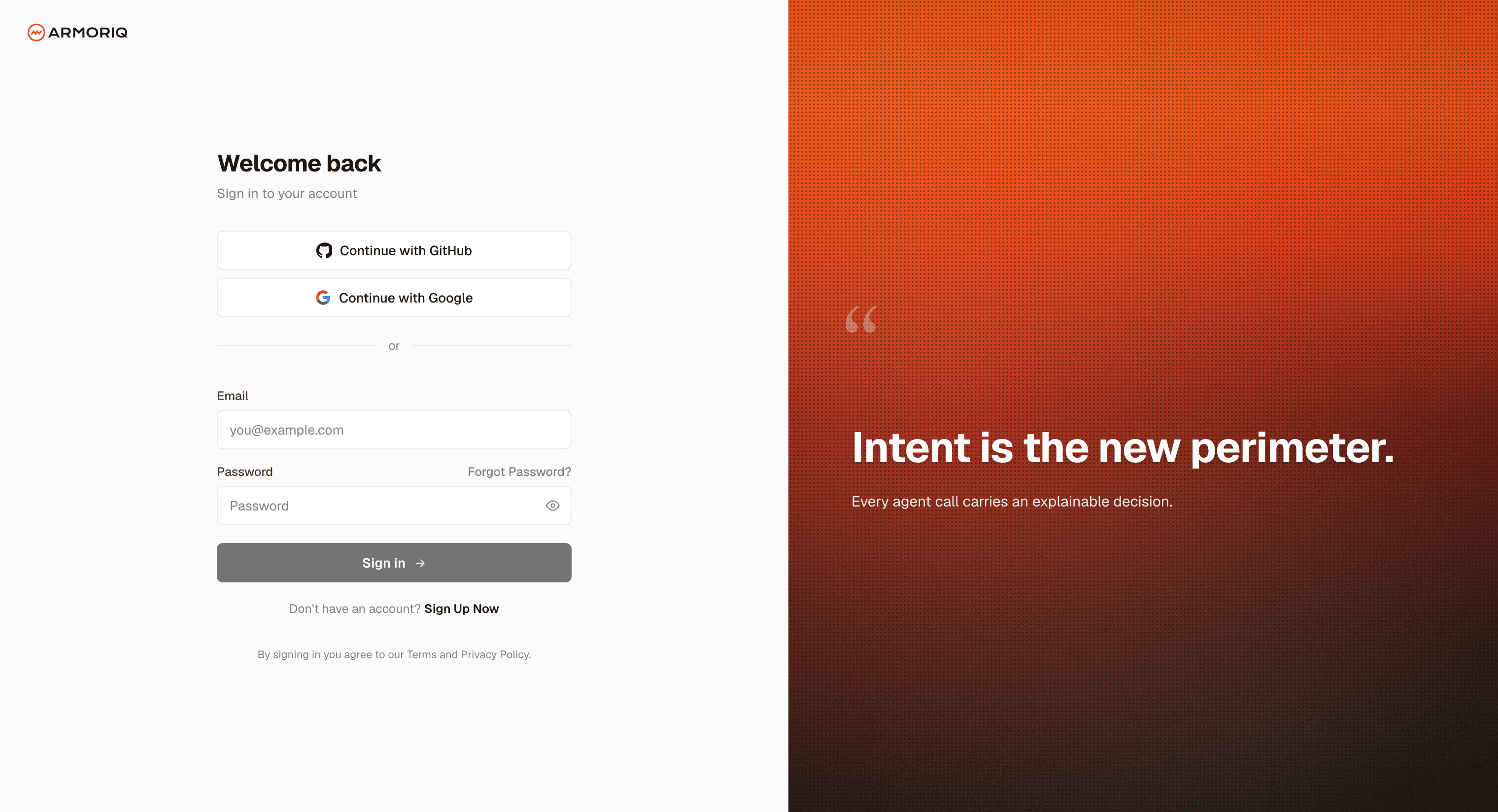
Sign Up Options
| Method | Description |
|---|---|
| Email & Password | Create an account with your work email and a secure password |
| Google OAuth | Sign in with your Google Workspace account |
| GitHub OAuth | Sign in with your GitHub account |
Creating an Account with Email
- Click Sign Up on the authentication page
- Fill in your details:
- First Name and Last Name
- Email Address (use your work email for organization features)
- Password (minimum 8 characters)
- Click Create Account
Sign In with Google or GitHub
Click the Google or GitHub button to authenticate via OAuth. You'll be redirected to the provider's consent screen, and once authorized, returned to ArmorIQ automatically.
OAuth accounts skip the email verification step - your email is already verified by the provider.
Verify Your Email
After registering with email and password, a 4-digit OTP code is sent to your email.
- Check your inbox for the verification email from ArmorIQ
- Enter the 4-digit code in the verification form
- Click Verify
Once verified, you're automatically signed in and redirected to the organization selection screen.