
Running a Scan
Enter a URL and configure scan options.
Running a Scan
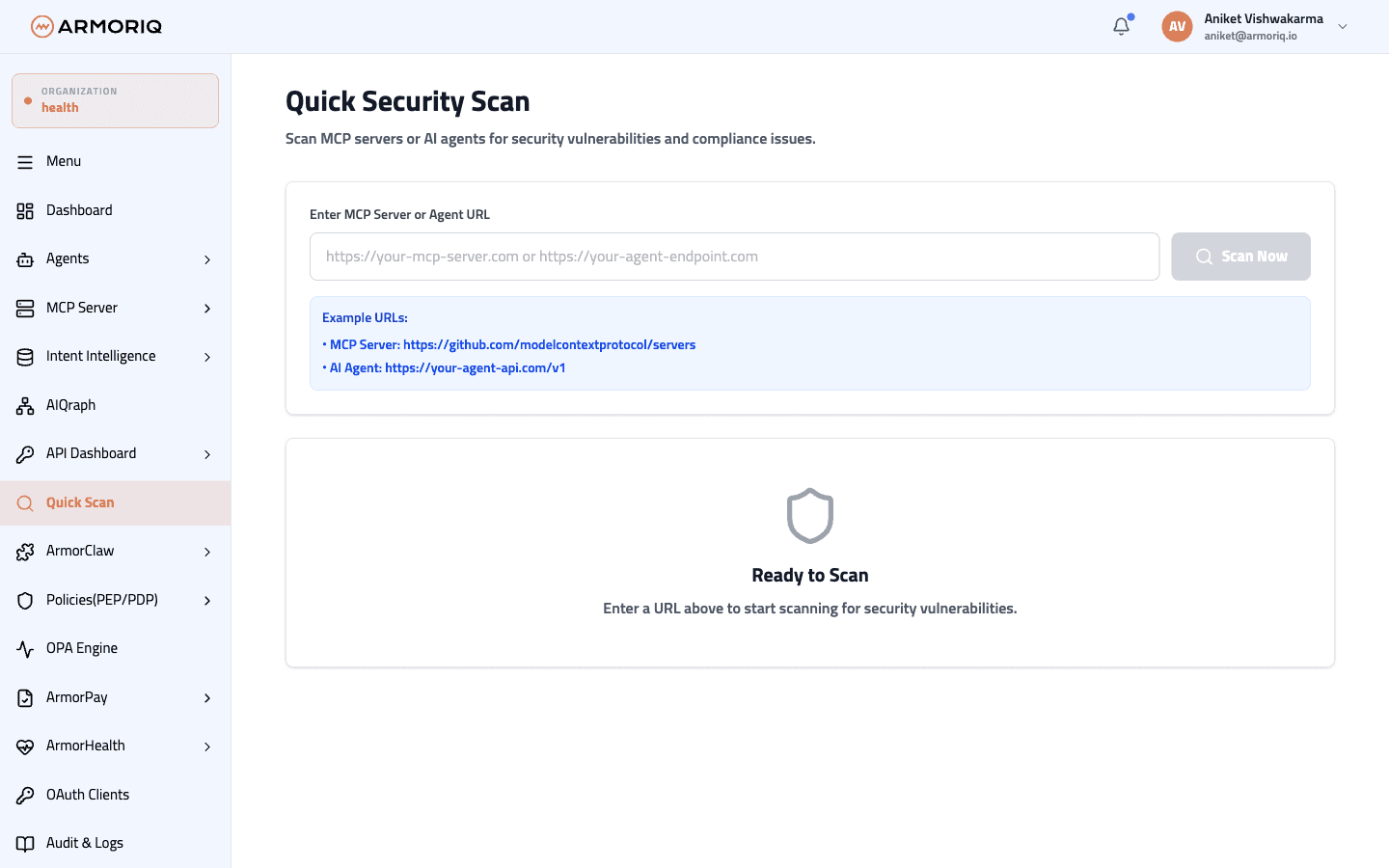
- Enter the URL to scan (e.g.,
https://mcp.example.com) - Configure scan options:
- Analysis Depth - How deep the scan should probe
- Enable AI - Use AI-powered analysis for enhanced detection
- Click Scan
Scan Progress
The scan runs in real-time, showing progress as each check is completed.