
First Organization
Create or join your first organization and enter the dashboard.
Set Up Your Organization
After authentication, you'll land on the Organizations page.
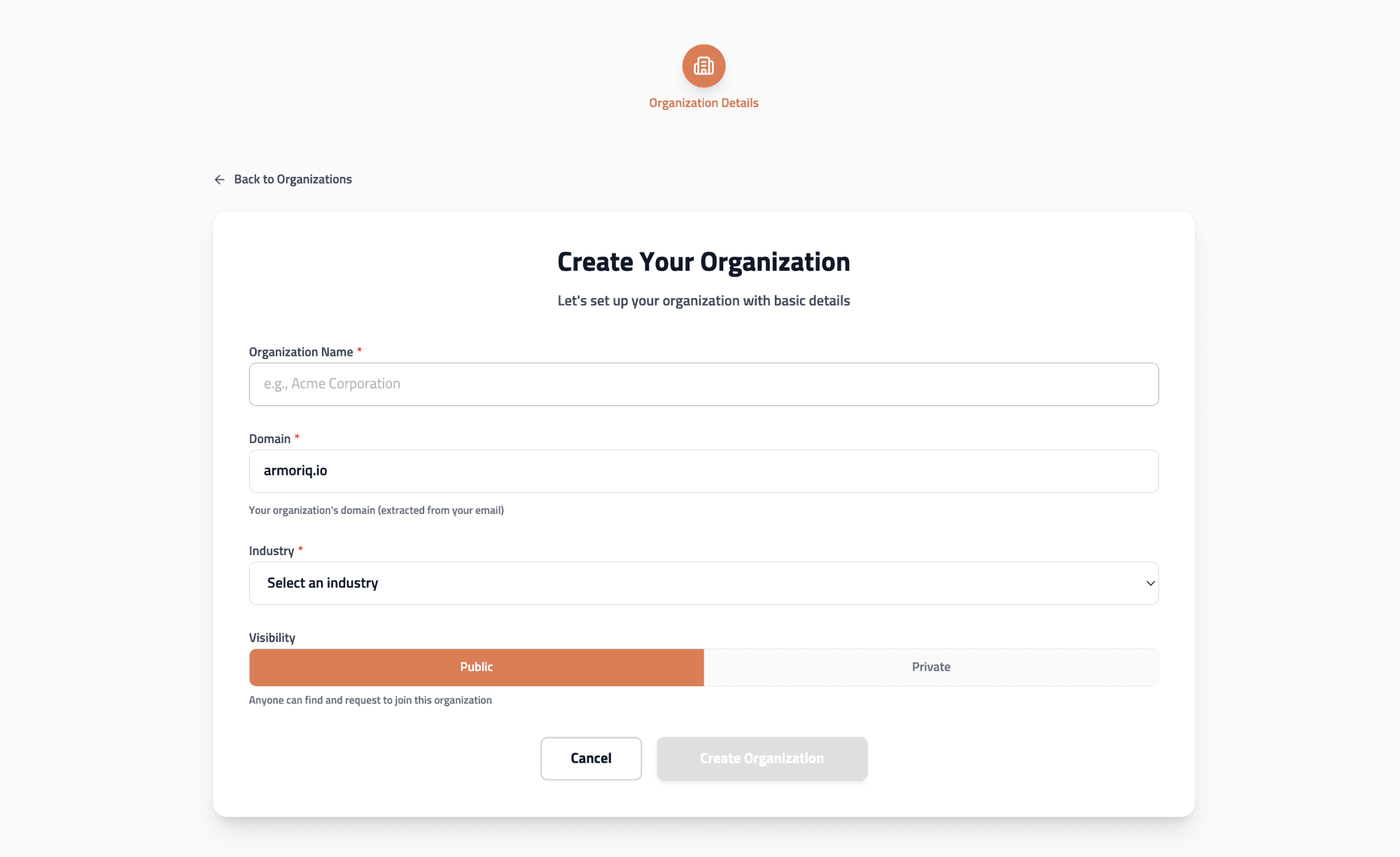
Option A - Create a New Organization
- Click Create Organization
- Enter your Team Name
- Select your Vertical (industry category)
- Click Create
Organization creation requires a work email address. Public email providers (Gmail, Yahoo, Outlook, etc.) cannot create organizations - they can only join existing ones.
Option B - Join an Existing Organization
- Use the Search field to find available organizations
- Click Request to Join on the desired organization
- Wait for an admin to approve your request
Option C - Accept an Invitation
If an organization admin has invited you, you'll see a pending invitation banner. Click Accept to join immediately.
Enter the Dashboard
Click on the organization card to enter the dashboard.
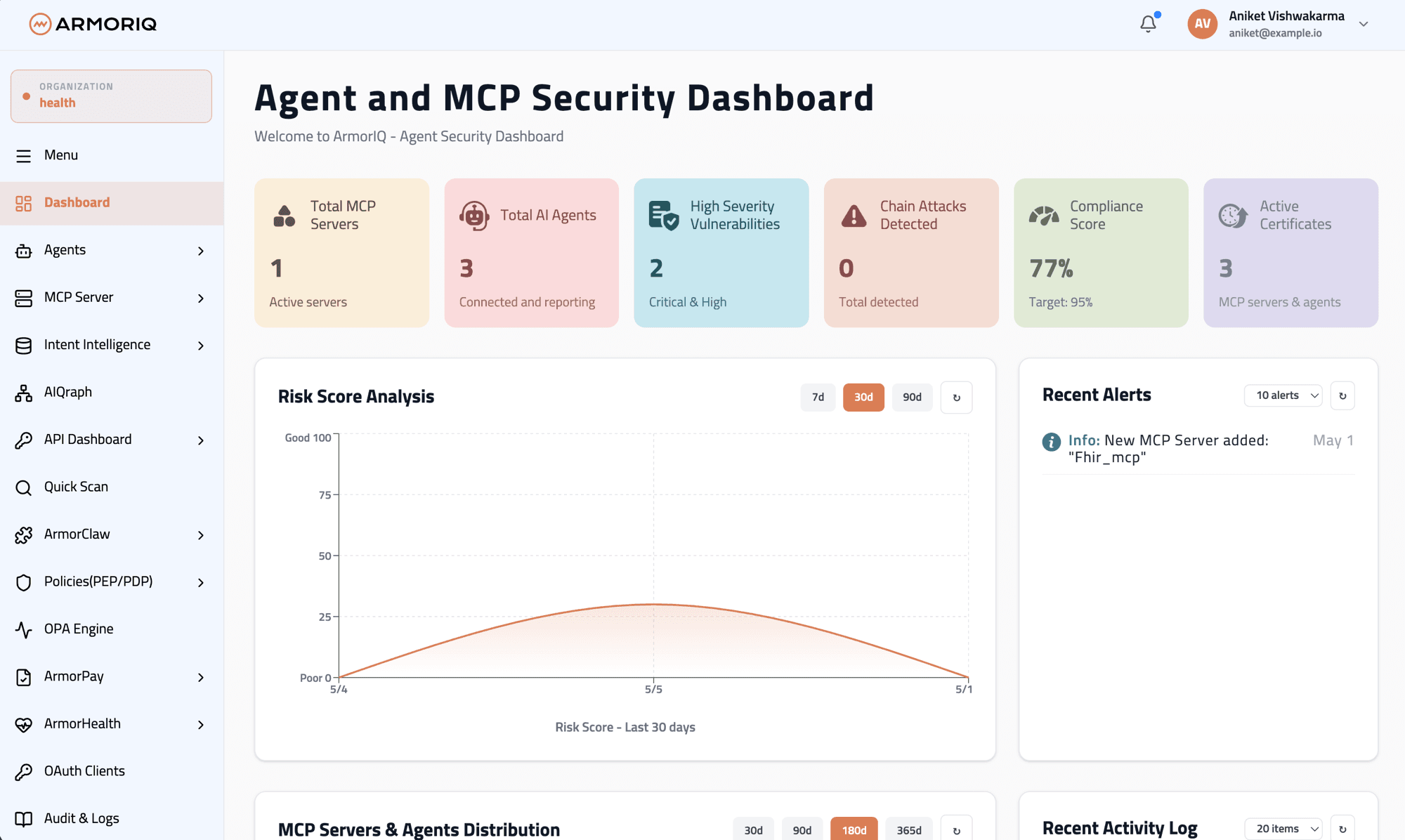
You're now ready to start securing your AI infrastructure: