
Sign In Methods
Email/password, Google OAuth, and GitHub OAuth authentication.
Navigate to the ArmorIQ sign-in page to authenticate.
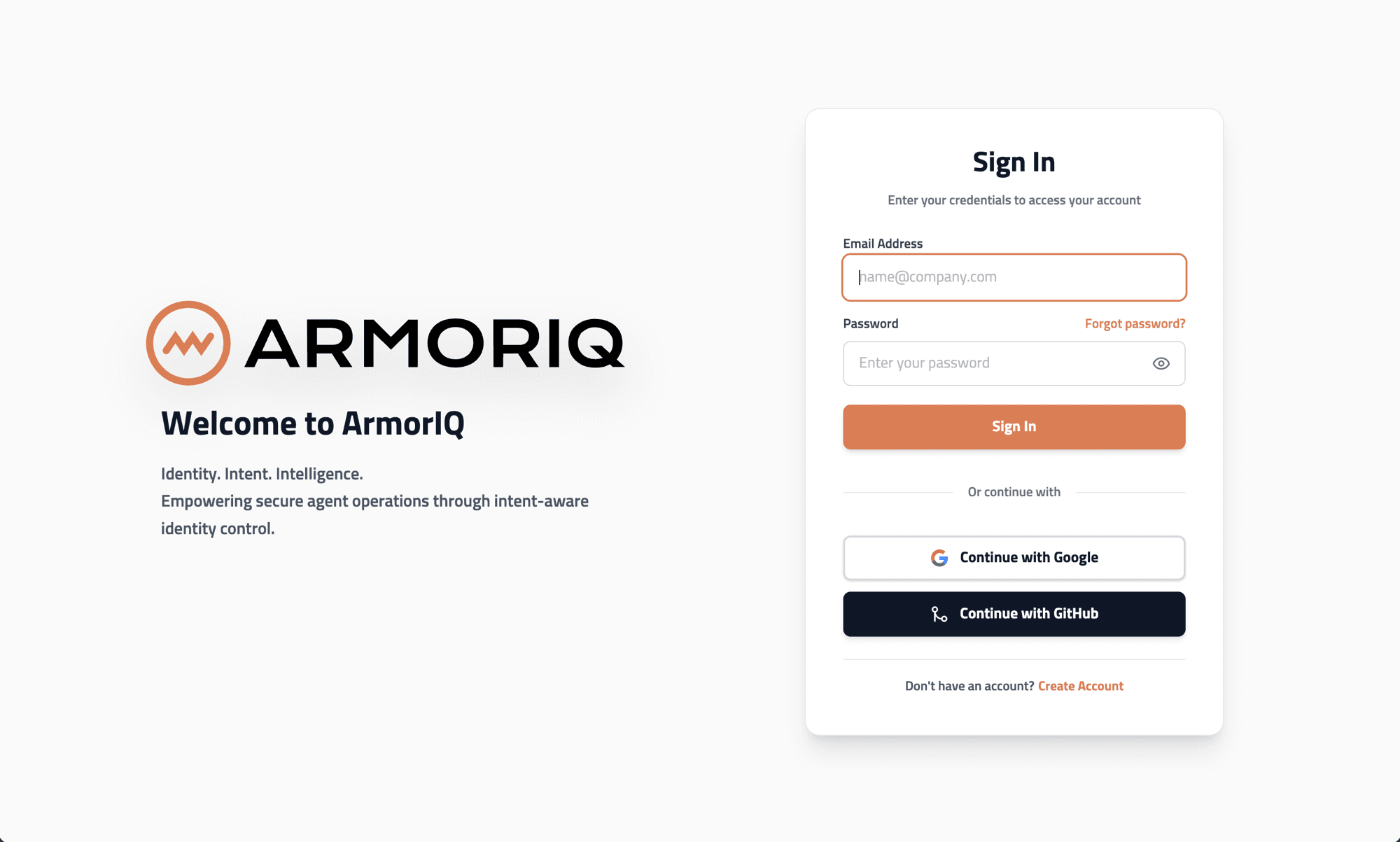
Email & Password
- Enter your registered email address
- Enter your password
- Click Sign In
Google OAuth
Click the Sign in with Google button. This is recommended for organizations using Google Workspace.
Google OAuth automatically verifies your email - no OTP step required.
GitHub OAuth
Click the Sign in with GitHub button. After authorizing ArmorIQ on GitHub's consent screen, you'll be redirected back automatically.