
Filtering & Search
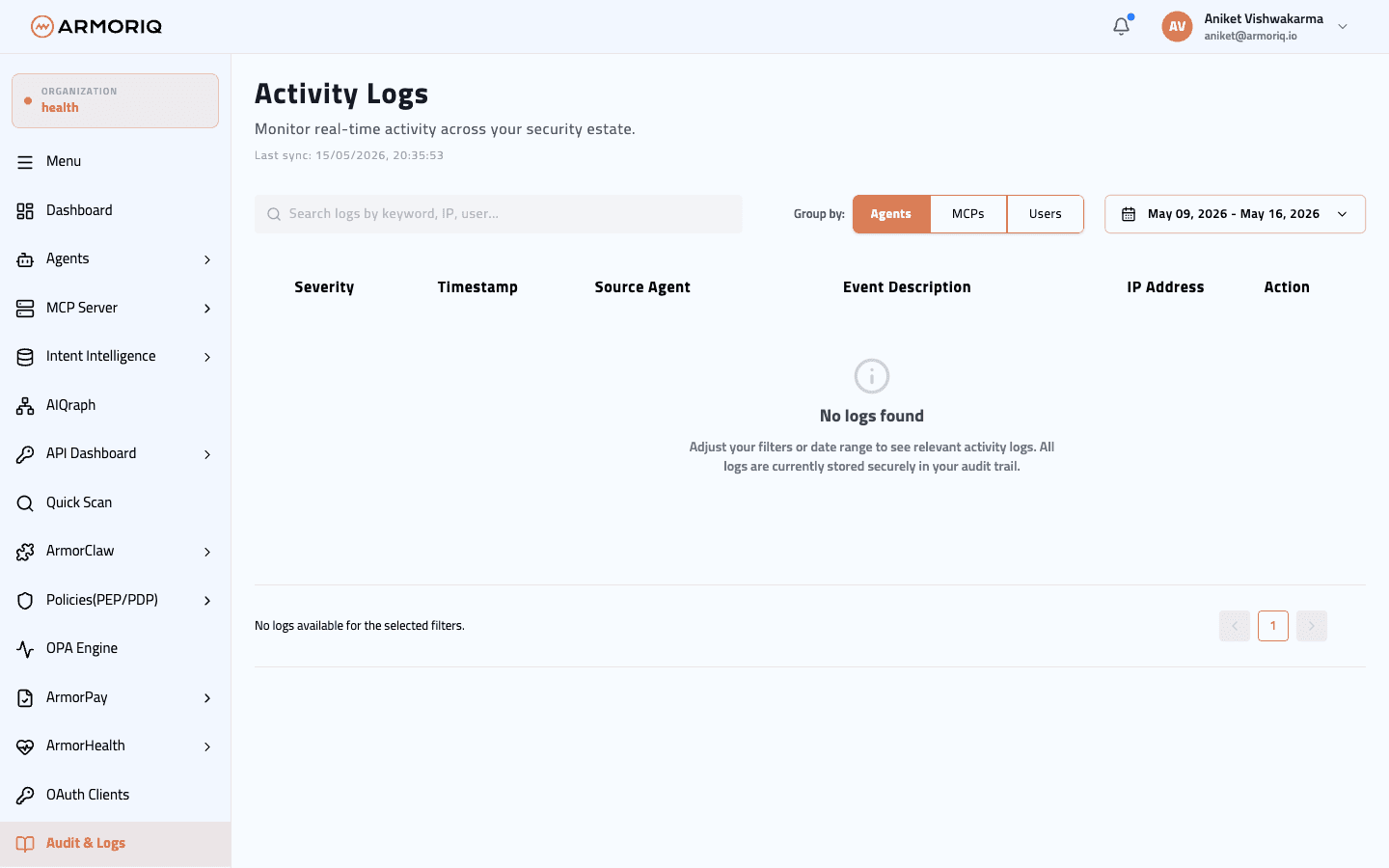
Filter audit logs by group, date range, and severity.
Log Entry Format
Each audit log entry contains:
| Field | Description |
|---|---|
| Timestamp | When the event occurred |
| Severity | Critical, Warning, or Info |
| Source | Which agent(s) were involved |
| Event Description | What happened |
| IP Address | Origin IP of the action |
Filtering Options
By Group
Filter logs by the type of resource:
| Group | Events Covered |
|---|---|
| Agents | Agent registration, scans, deletions, tool invocations |
| MCPs | MCP server registration, scans, deletions, connection events |
| Users | Login, registration, role changes, invitation events |
By Date Range
Pre-configured time ranges:
| Range | Period |
|---|---|
| 7 Days | Last week |
| 30 Days | Last month |
| Quarter | Last 3 months |
| YTD | Year to date |
By Severity
| Severity | Description |
|---|---|
| Critical | Security incidents, policy violations, unauthorized access attempts |
| Warning | Potential risks, unusual patterns, approaching limits |
| Info | Normal operations, routine events |
Log Detail View
Click on any log entry to open a detailed view with:
- Full event description and context
- Related entities (agents, servers, users)
- Request metadata
- Additional fields specific to the event type
Pagination
Audit logs are paginated with 5 entries per page. Navigate between pages using the pagination controls at the bottom.