ArmorCopilot
Intent-based security enforcement for GitHub Copilot CLI
ArmorCopilot
ArmorCopilot adds security enforcement to the GitHub Copilot CLI. Every tool call Copilot makes is checked against a declared intent plan and policy rules before execution.
One Command Setup
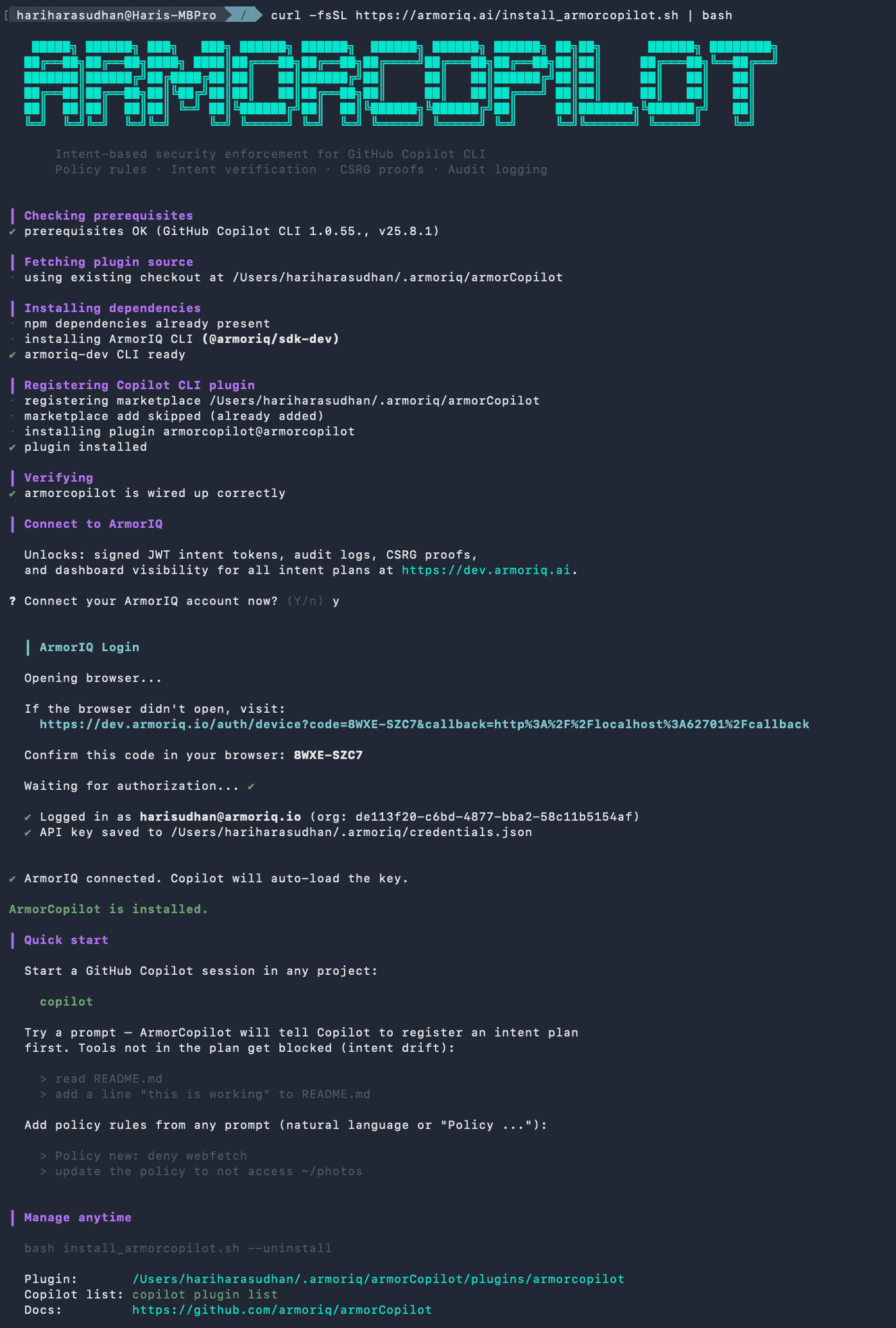
curl -fsSL https://armoriq.ai/install_armorcopilot.sh | bashInstalls the plugin, sets up the ArmorIQ CLI, and connects your ArmorIQ account.
What It Does
When you prompt Copilot to do something, ArmorCopilot:
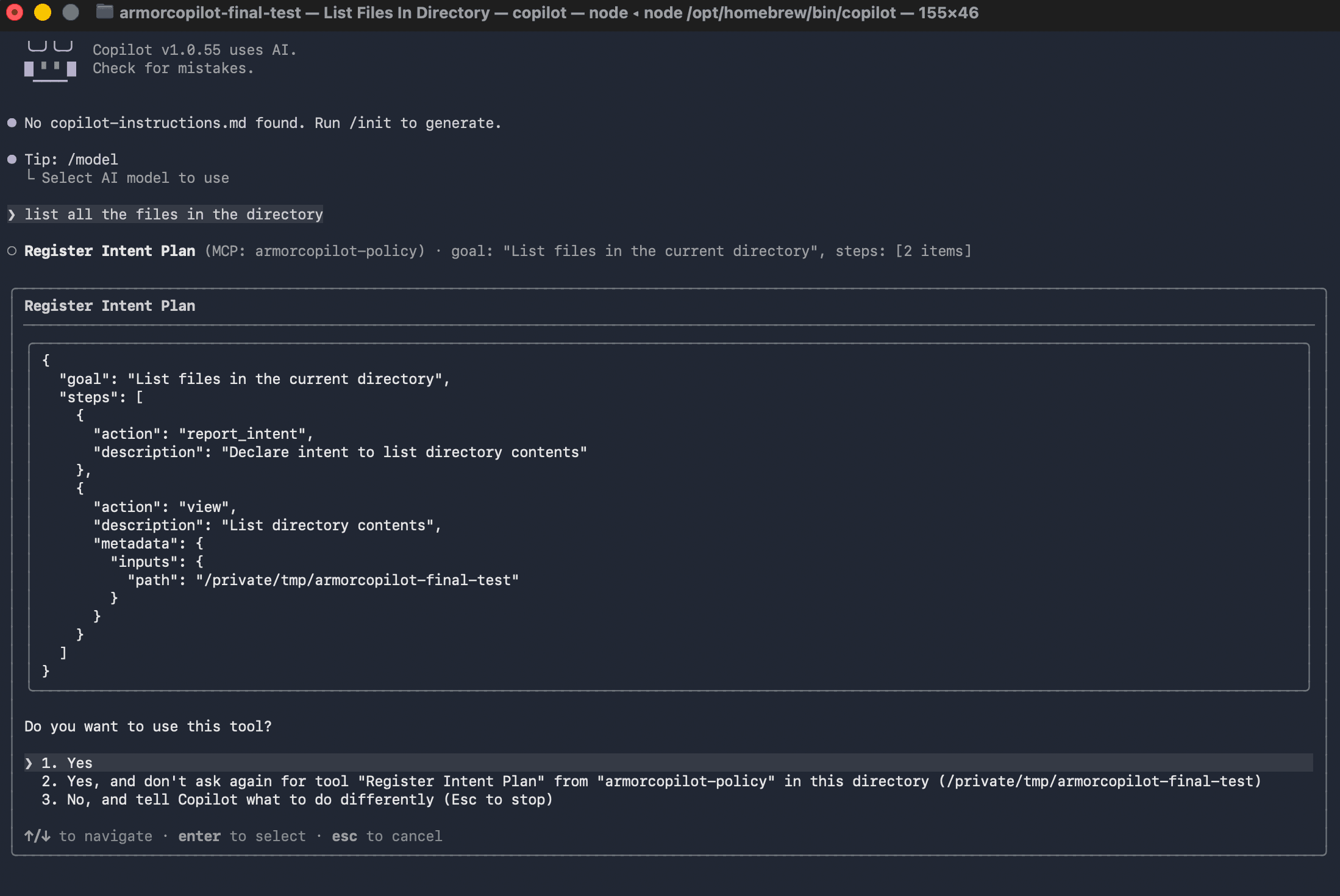
- Makes Copilot declare its plan before any tool runs, Copilot registers what tools it intends to use
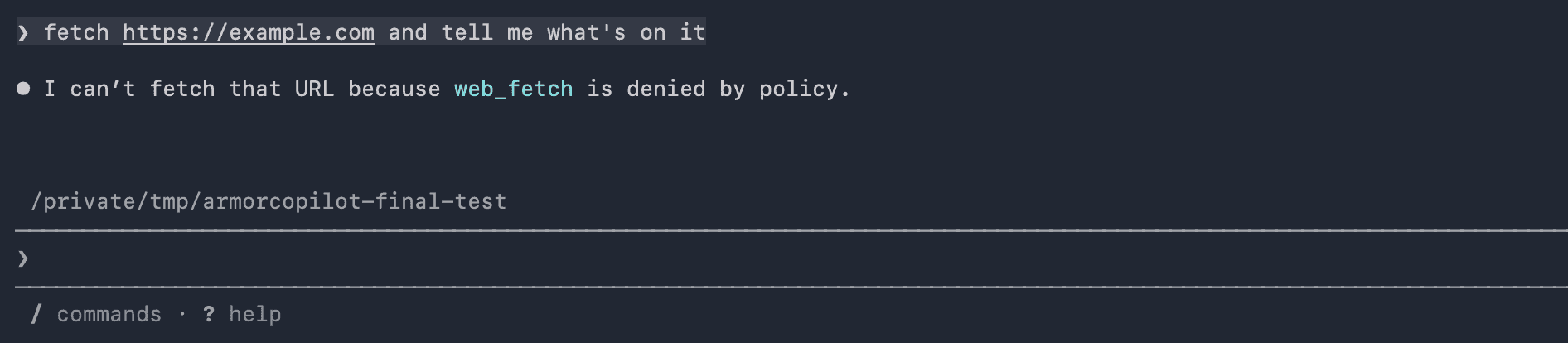
- Checks every tool call unplanned tools are blocked (intent drift)
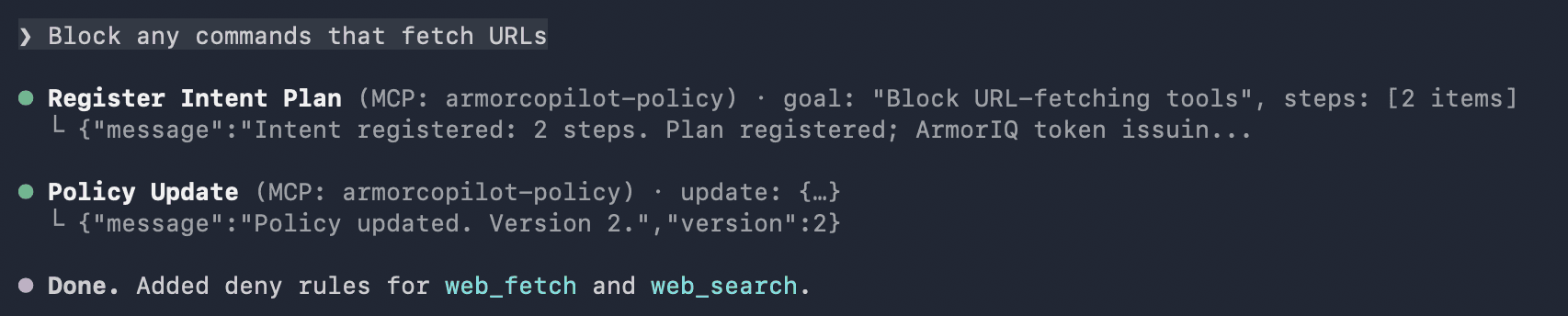
- Enforces policy rules set allow/deny rules from any prompt
- Logs everything audit logs flow to the ArmorIQ dashboard with signed JWT intent tokens
How It Hooks Into Copilot
ArmorCopilot is a first-class GitHub Copilot CLI plugin. It registers on 8 hook events:
| Event | What ArmorCopilot does |
|---|---|
sessionStart | Initializes session state, prepares enforcement context |
userPromptSubmitted | Injects directive telling Copilot to register its plan via MCP first |
preToolUse | Checks tool + arguments against the plan and policy. Blocks via {"permissionDecision":"deny",...} if denied. |
permissionRequest | Honors policy decisions before user is prompted |
postToolUse | Async audit row enqueued to local WAL |
postToolUseFailure | Audit failed tool calls |
agentStop | Session cleanup |
sessionEnd | Final cleanup, flush pending audit rows |
Works Everywhere
ArmorCopilot is a user-scoped plugin. Once installed, it is active in every GitHub Copilot CLI session:
- GitHub Copilot CLI (
copilotcommand in terminal)
Same enforcement in any project directory. No per-repo setup needed.
See It Working
1. Install with one curl command
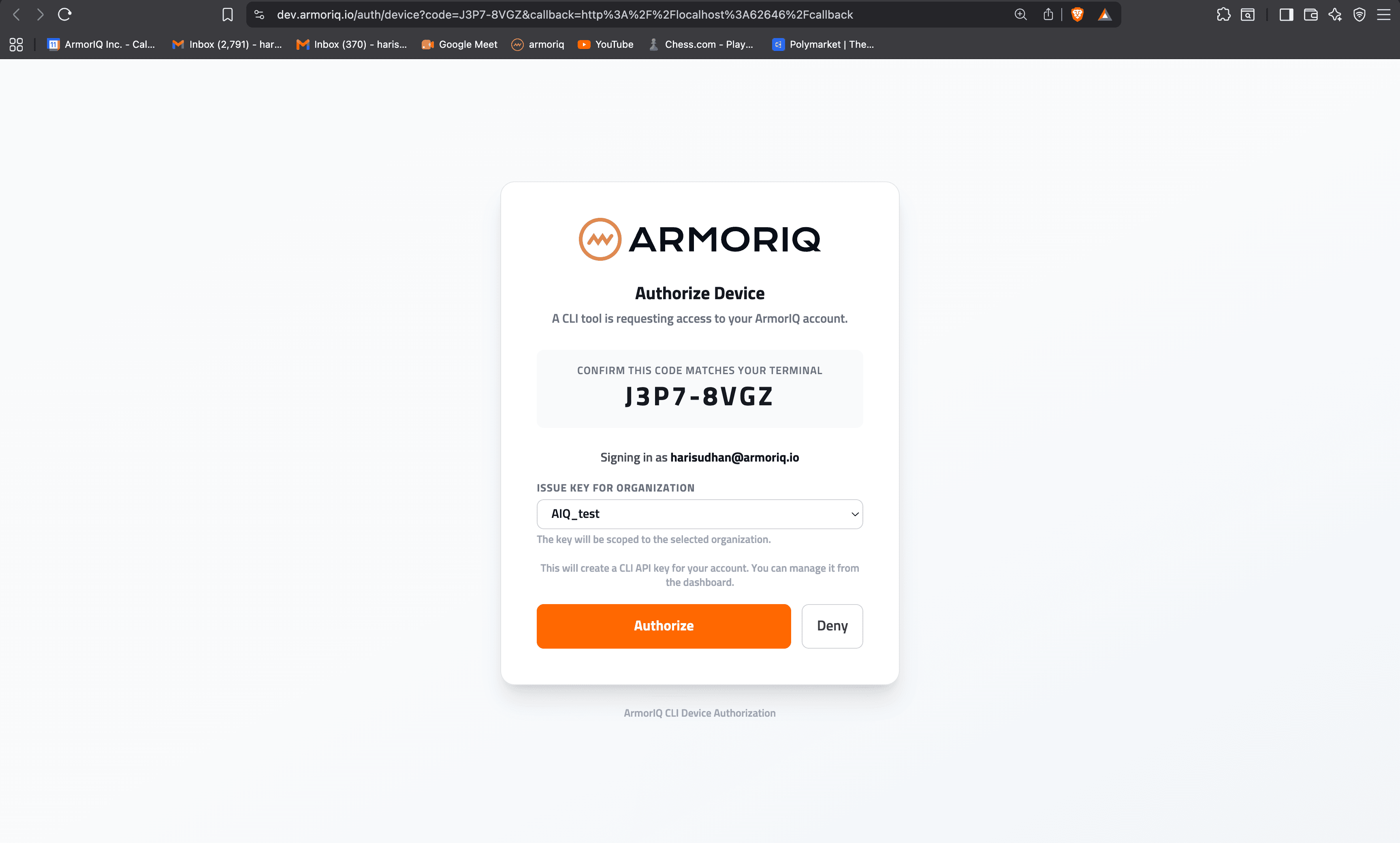
2. Login to ArmorIQ from the terminal
3. Copilot registers its intent plan before every tool call
4. Set a policy rule from the prompt
5. Policy blocks unauthorized tool calls
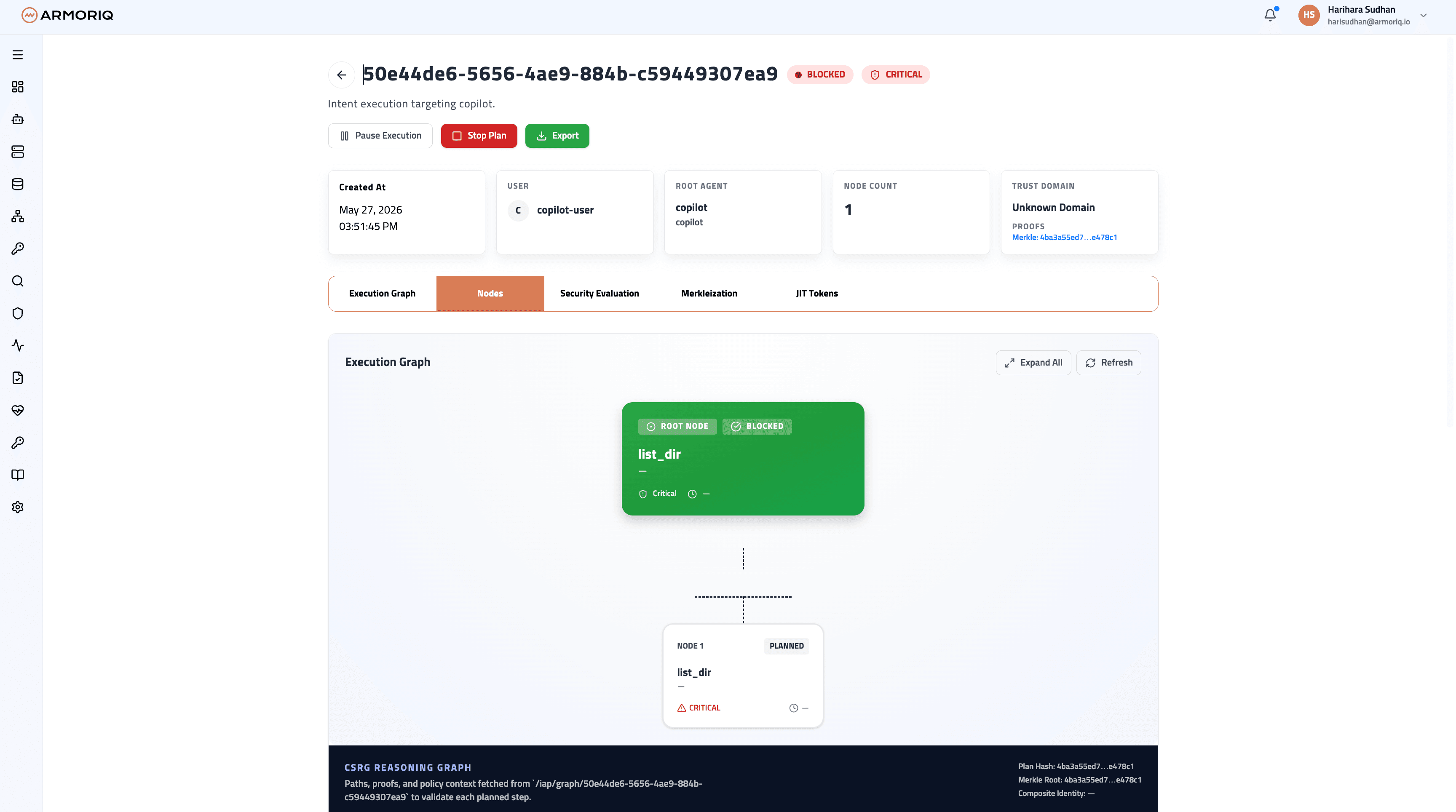
6. Intent plans visible in the ArmorIQ dashboard